Slitherlink online: a free daily 7×7 loop puzzle plus unlimited 5×5 to 15×15 grids, no ads. Every puzzle has one solution, with undo and a check button.
- Genre
- Puzzle
- Players
- Single player
- Devices
- Phone and desktop
- Daily
- A new puzzle every day
- Price
- Free, plays in the browser, nothing to install
How to play
Touch: tap between two dots to draw a line, tap again for a cross, tap again to clear. The Line/Cross button chooses what a tap sets. Undo, Check and Zoom buttons below the grid. Keyboard: left click draws a line, right click sets a cross, arrows move the cursor, Tab flips it between horizontal and vertical, Space sets, Backspace clears, X toggles Line/Cross, C checks, U undo, Z zoom, Esc menu.
New in v1.2
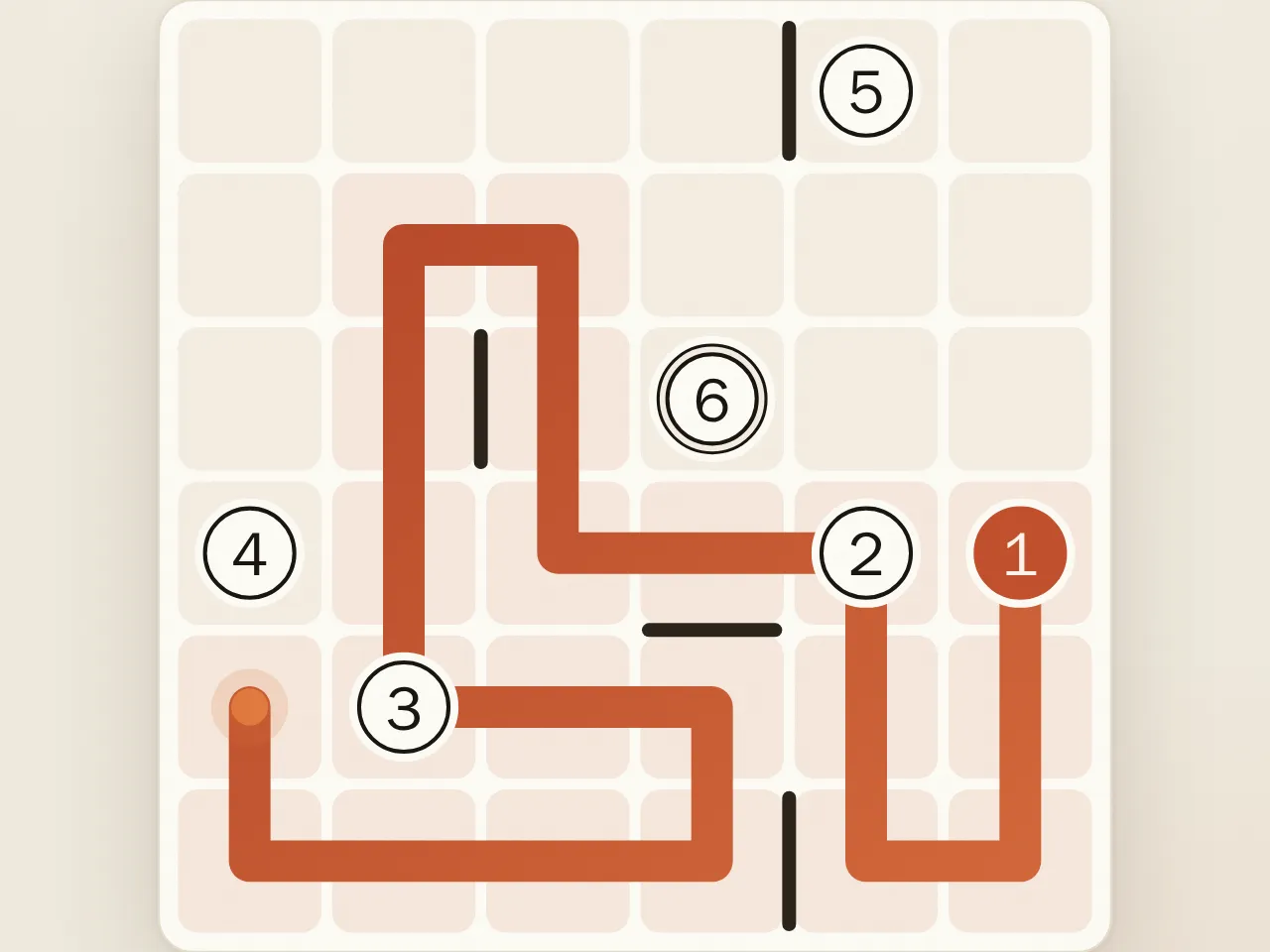
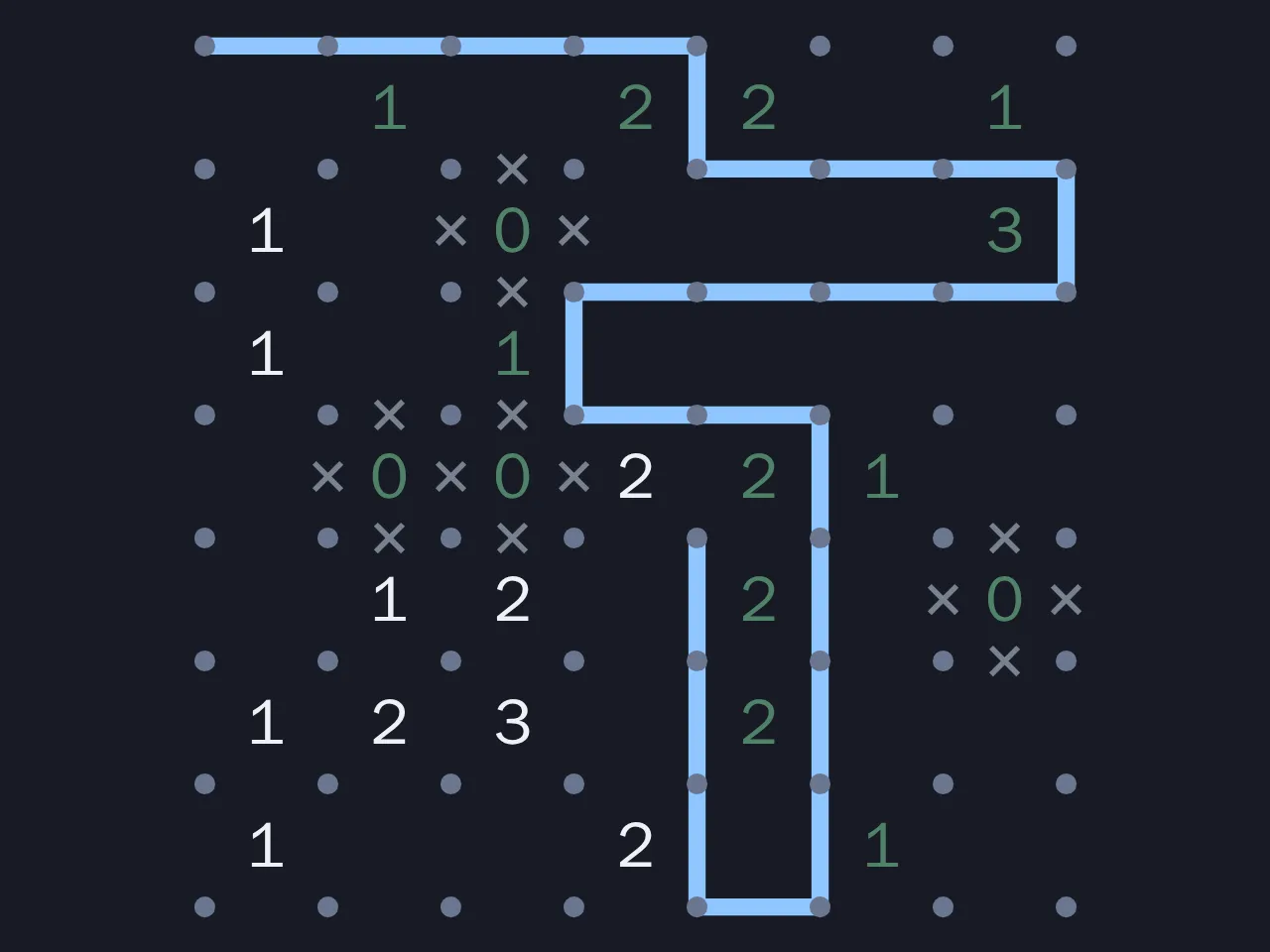
A new catalog cover, drawn by the game itself.
How to play
Slitherlink is played on a grid of dots. Some of the squares between the dots hold a number from 0 to 3.
- Draw lines between neighbouring dots, horizontally or vertically, to form a loop.
- The finished loop must be a single closed loop. It cannot branch, cross itself or touch itself at a dot, so every dot has either zero or two lines.
- A number tells you how many of the four sides of its square are part of the loop.
- Squares without a number can have any number of loop sides.
There is only one loop in the end, and every number must match.
Strategy
Start with zeros. A 0 means none of its four sides are used. Cross them all out. The neighbouring squares now have fewer options.
Mark crosses, not just lines. Half of solving Slitherlink is knowing where the loop does not go. A cross on an edge is as useful as a line, because it reduces the choices at both dots it touches.
Dot rule. Each dot has zero or two lines. If a dot already has two lines, cross its other edges. If it has one line and only one open edge left, that edge must be a line. If it has no lines and only one open edge, cross it.
Corner 3s and 1s. A 3 in a corner of the grid always uses both of its outer edges. A 1 in a corner never uses its two outer edges.
Adjacent 3s. Two 3s side by side share an edge. That shared edge and the two edges parallel to it on either side are all lines. Two 3s touching diagonally force the outer corners of both squares.
3 next to 0. When a 3 sits beside a 0, the shared side is crossed, so the other three sides of the 3 are lines.
Inside and outside. The loop divides the grid into an inside and an outside. Every time you cross a line you switch sides. If you know one square is inside, its neighbour across a line is outside, and across a cross it is on the same side. This parity idea solves many hard spots on big grids.
No early loops. Never close a small loop while unused numbers remain elsewhere, since the solution is one loop only. If joining two line ends would close a loop too soon, that edge must be a cross.
History
Slitherlink was published by Nikoli, the Japanese puzzle company that also popularised sudoku, and it is one of the best known puzzles from its magazine. Outside Japan it also appears as Fences or Loop the Loop. The general problem of deciding whether a Slitherlink grid can be solved has been shown to be NP-complete, which is one reason large grids feel so different from small ones.
Playing on Summoned Games
Choose 5×5 (Easy), 7×7 (Medium), 10×10 (Hard) or 15×15 (Expert). Larger grids also show fewer clues. Each puzzle is generated when you start, so the supply never runs out, and a clue is only removed when the generator has proven the answer stays unique. The daily 7×7 is the same puzzle for everyone that day, and solving it on consecutive days builds a streak.
On a phone, tap an edge between two dots to draw a line, tap again for a cross, and a third time to clear it. The Line/Cross button switches tapping to place crosses directly. On a desktop, right click places a cross, the arrow keys move an edge cursor, Tab flips it between horizontal and vertical, Space or Enter marks the edge, Backspace clears it, X switches mode, C checks, Z zooms, U or Ctrl+Z undoes and Escape opens the menu.
Numbers change colour when they are satisfied or broken. Check reports branching dots, open ends or separate loops and shows wrong marks in red, each counted as a mistake. A How to play guide sits in the menu. Progress saves automatically. Wins count toward the puzzles solved leaderboard, and random 10×10 times go on the fastest 10×10 board.
FAQ
What is the goal of Slitherlink? Draw one closed loop along the grid lines so that each number equals the count of loop edges around its square.
Does every puzzle have a unique solution? Yes. The generator checks uniqueness each time it removes a clue and keeps the clue when it cannot prove the answer is still unique.
What are the crosses for? A cross marks an edge you know is not part of the loop. Crosses do not affect the solution, but they make the next deductions much easier to see.
Is Slitherlink the same as Fences or Loop the Loop? Yes, those are other names for the same puzzle.
Which size should I start with? Start with 5×5 to learn the patterns, then move to the daily 7×7. The 10×10 and 15×15 grids have fewer clues and need longer chains of logic.