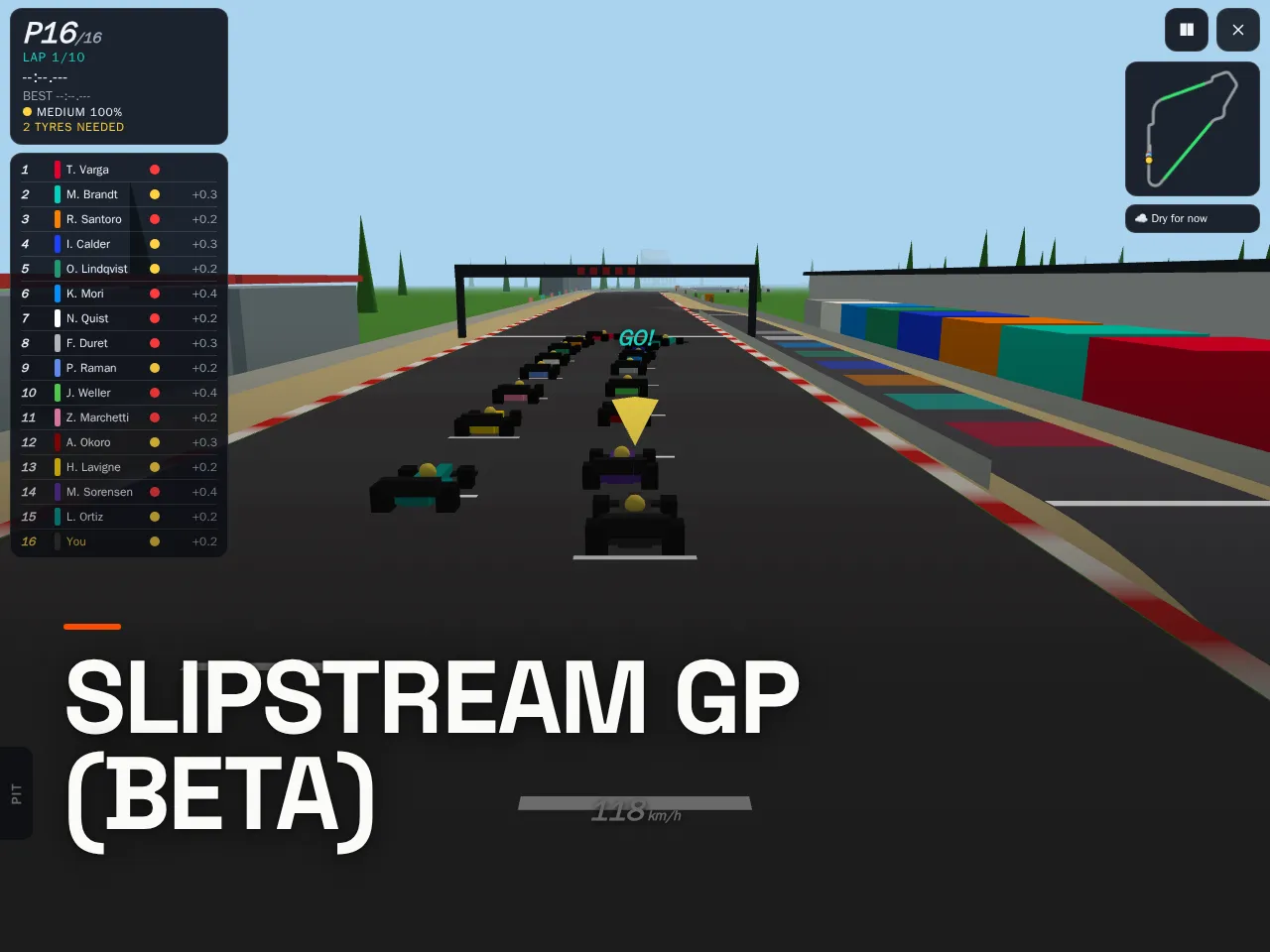
Slipstream GP (Beta)
by Rapha · v1.16
Temple of Speed best lap
1/6- 1Guest0:25.167
- 2dasbruecke0:47.086
- 3Rapha0:49.008
- 4Guest0:49.688
- 5Guest0:49.887
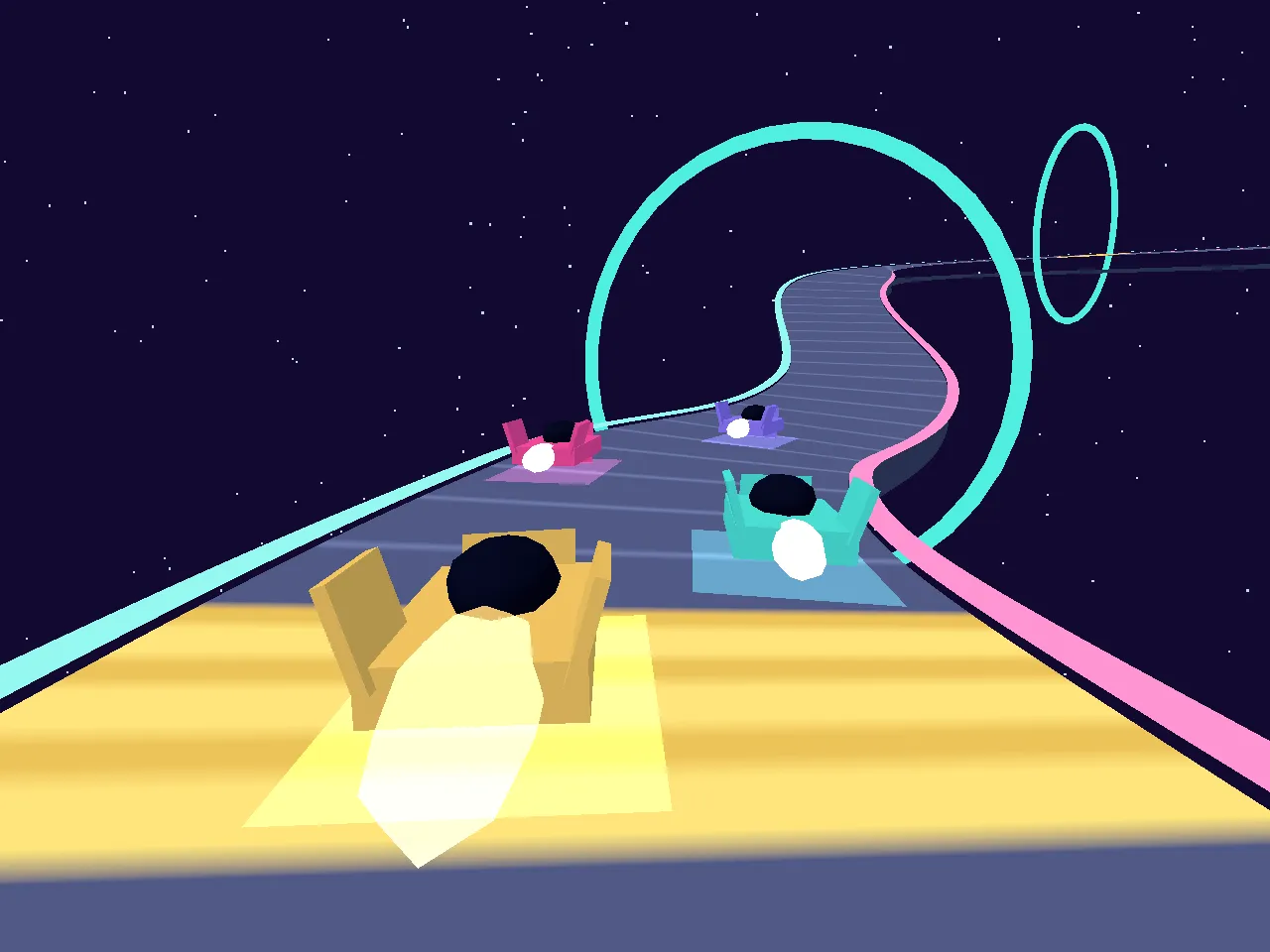
Indie open-wheel racing for your phone. 16 cars on the grid, five circuits loosely inspired by famous tracks, pit stops, bots at three skill levels and online races with friends.
- Genre
- Sports & racing
- Players
- Solo or online, up to 16 players, bots fill empty seats
- Devices
- Phone and desktop
- Price
- Free, plays in the browser, nothing to install
How to play
The car accelerates by itself. On mobile: hold the left and right arrow buttons to steer, BRAKE to brake. On desktop: arrow keys or A/D to steer, Down, S or Space to brake.
How to play
Your car accelerates on its own. Steer with the left and right buttons (arrow keys or A/D on a computer) and brake with BRAKE (Down, S or Space). Find the fastest line, brake before corners, not in them, and avoid the walls.
Tracks
Six tracks, each loosely inspired by a real circuit: Temple of Speed, Riviera Streets, Old Airfield, Forest Ring, Lakeside Bowl and Alpine Ring. Four of them have hills. Climbs slow you down, and over a crest the car goes light, so it grips and brakes less. In a dip it is pressed down and grips a little more.
Each track has its own look and its own weather: some are known for sudden rain, others are usually dry. The run-off differs as well: gravel slows you down more than grass, while tarmac lets you off lightly. Every corner has a name, shown as you approach it. Each track also has a landmark of its own, from a temple to a lighthouse by the sea.
The garage
Before every race you get a moment in the garage (30 seconds online). It shows the track's character (how much of it is straight, how many corners, whether it's hilly, how hard it is on tyres), whether it's dry or raining, and the chance of the weather changing during the race. Pick your tyres and adjust your car, then go to the grid.
Weather and the rain radar
Rain can start or stop during a race. The track gets wet quickly when it rains and dries slowly afterwards, so grip changes gradually. The rain radar on screen tells you what's coming in the next few laps and how likely it is. Its estimate firms up as the change gets closer, and now and then a cloud passes without bringing rain.
Tyres
- Soft: the most grip, but it fades quickly. Made for short runs.
- Medium: good grip that lasts a reasonable stint.
- Hard: less grip, but it keeps going for a long time.
- Wet: made for rain. On a dry track it overheats and wears out fast.
Tyres wear as you drive, slowly at first. Once they're worn into the red, grip drops away faster and faster. Slicks slide around badly in the rain.
Pit stops
Tap the PIT tab above the brake (or press P) and choose a tyre (or press 1 to 4): at the pit entry your car drives itself down the pit lane, gets the new tyres and rejoins. There are no stops on the last lap. Over 10 laps one stop pays off on twisty tracks, while on fast tracks you may be quicker staying out. When the rain comes or goes, the right moment to switch tyres can win you the race.
Race rules
- Track limits: going fully past the white line counts as a trip off track. The 3rd costs 5 seconds and the 5th costs 10 seconds, the others are warnings. If you hit a wall while off track it does not count, since the wall already cost you time. A lap with a trip off track does not count as a best lap.
- Off track: the car is slowed hard to 100 km/h and held there until it is back on the road.
- Two tyre types: in dry 10-lap races you must use two different dry compounds, or get 20 seconds added. The rule is lifted if it rains during the race.
- Walls: hitting a wall damages your car for a few seconds, and it accelerates and reaches top speed more slowly until it recovers. A lap with a wall hit doesn't count as a best lap.
- Contact: if you run into a car ahead of you, you are slowed briefly. Side by side contact is nobody's fault.
Car setup
In the garage, spread 8 points over top speed, acceleration, brakes and steering. Each extra point in a stat helps a little less than the one before, so a balanced car is never a bad one. Fast tracks reward top speed, twisty ones reward brakes and steering. Your setup is saved per track.
The bots
Every empty seat is filled by a bot driver with a name and a personality. Some attack at every chance, some defend hard, some look after their tyres and some gamble on strategy or the weather. Each bot plans its own tyre strategy for the track. Easy bots drive well within the limits, Medium bots push harder, and Hard bots drive right at the limit with a small edge on the car.
Modes
- Practice: just you on track, unlimited laps.
- Race vs bots: 1 to 15 bots, three skill levels, 1 to 10 laps, dry, rain or random weather.
- Quick race: join an online race straight away. Races are 5 or 10 laps: all quick races switch length every 15 minutes, and the menu shows which length is on now. Bots fill any empty spots.
- Race with friends: create a private race, choose 5 or 10 laps, and share the code or link.
FAQ
Can I play on my phone? Yes, the game is made for phones in portrait mode, and it also works with a keyboard. The steering buttons sit on the right by default, and you can switch sides in Settings.
Do I need other players online? No. Bots fill every empty spot, so a race always has a full grid.
The game stutters on my phone. What can I do? Set Graphics to Low in Settings (⚙ on the start screen, or from the pause menu). The game also lowers detail on its own if a race runs slowly.